 PostEsy
Without PostEsy
- Log in to every app, one by one
- Upload the same video again and again
- Retype and reformat the caption each time
- Set reminders to post at the right moment
Your social workspace
Write, schedule, and manage your social posts in one place. More time for your ideas, fewer tabs to keep up with.
Bring your accounts together with PostEsy's social media scheduling and publishing tools.
 Bluesky
 Slack
SlackWhy PostEsy
Every platform wants its own login, upload and caption. PostEsy turns all of that into a single step.
One upload instead of many. The time you save goes back into your content.
How it works
A simple workflow, from your first idea to your next post.
Bring your favorite social platforms together. Connect your accounts and manage everything from a single workspace.
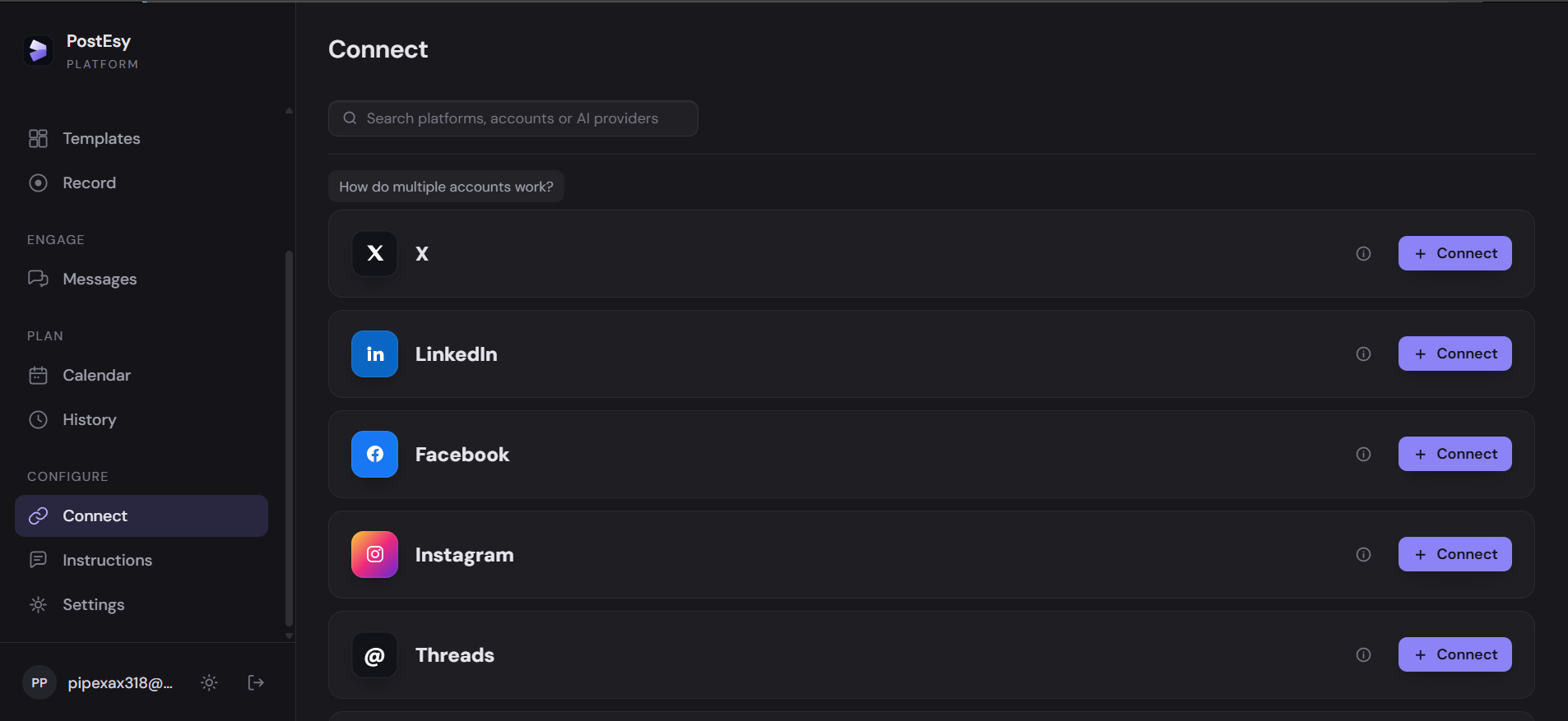
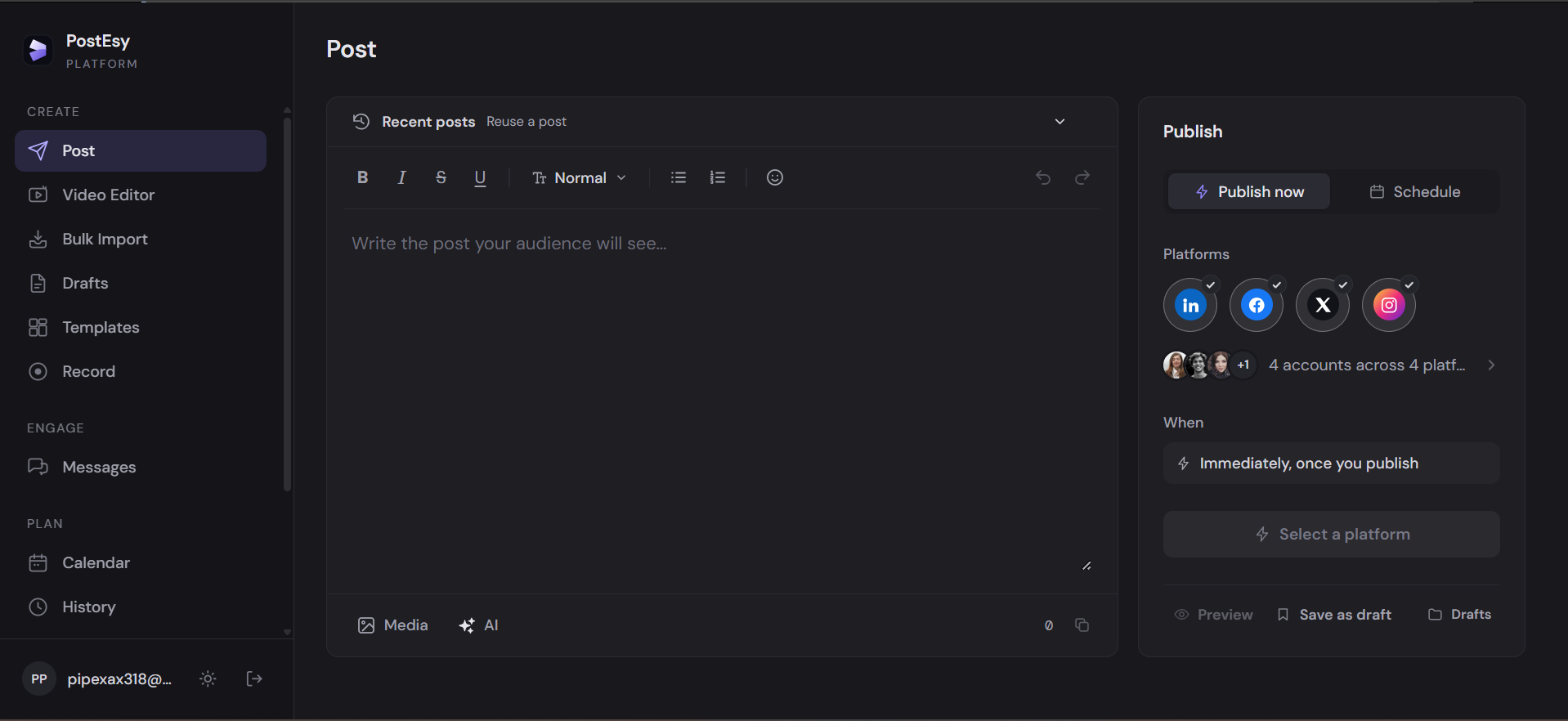
Write your content, add media, and prepare posts for multiple social platforms without switching between applications.
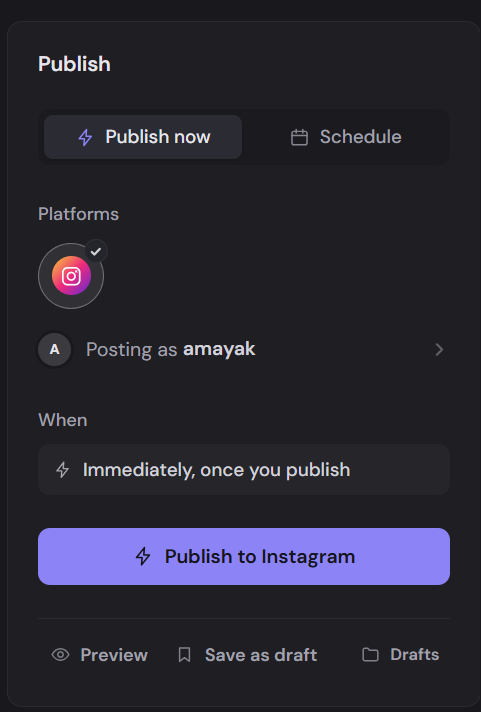
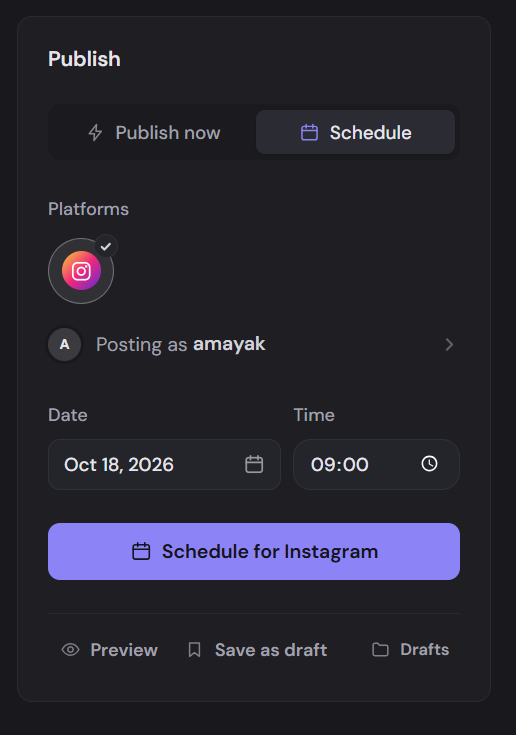
Choose when your content goes live. Publish instantly or schedule posts for the perfect time, all from one simple workflow.
Built for your everyday
The tools you need to keep your content moving.
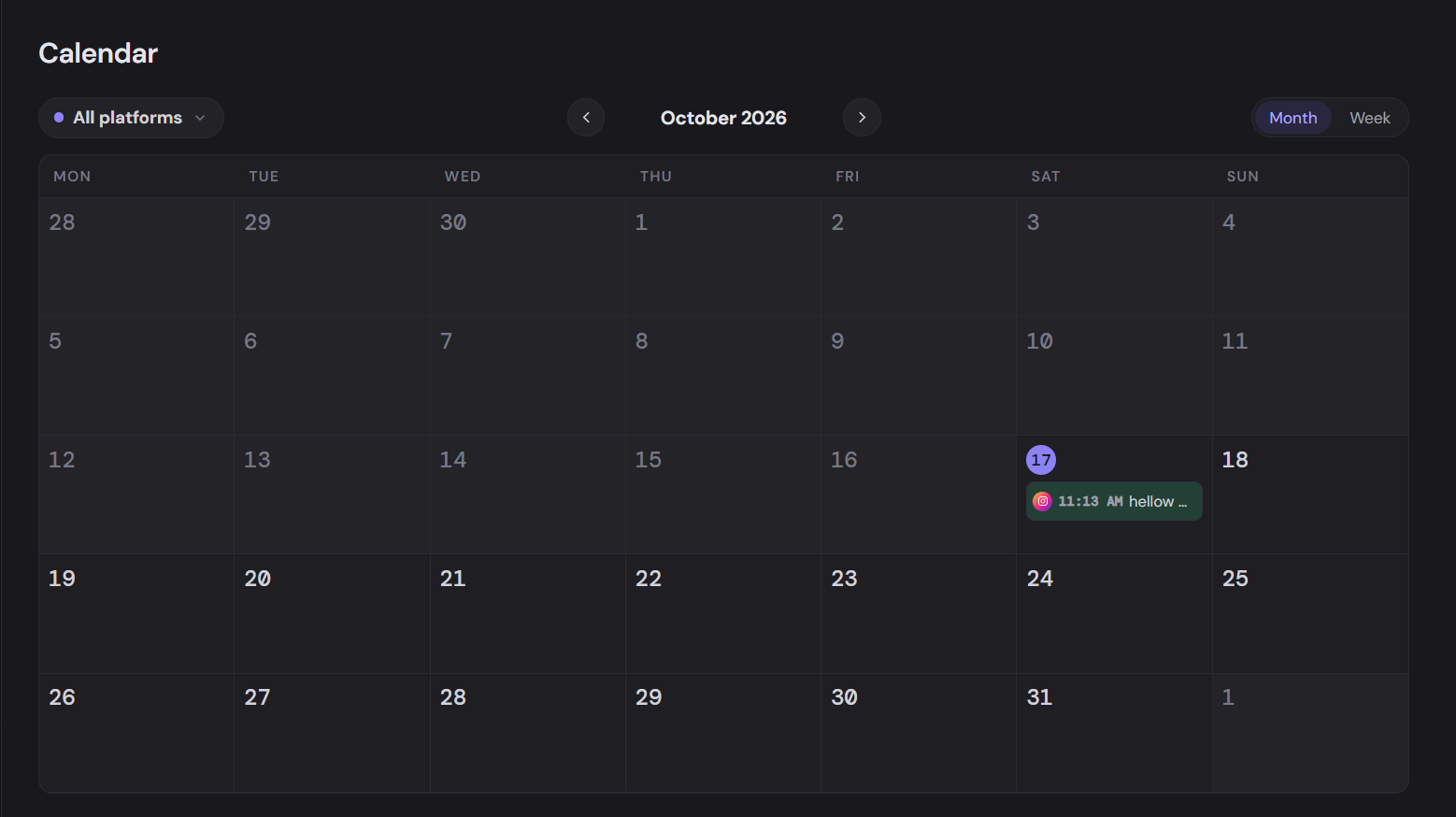
Who it's for
Spend your time making content, not re-uploading it to every app.
Stay active on every channel without hiring a social media team.
Manage many accounts and teammates from one shared workspace.
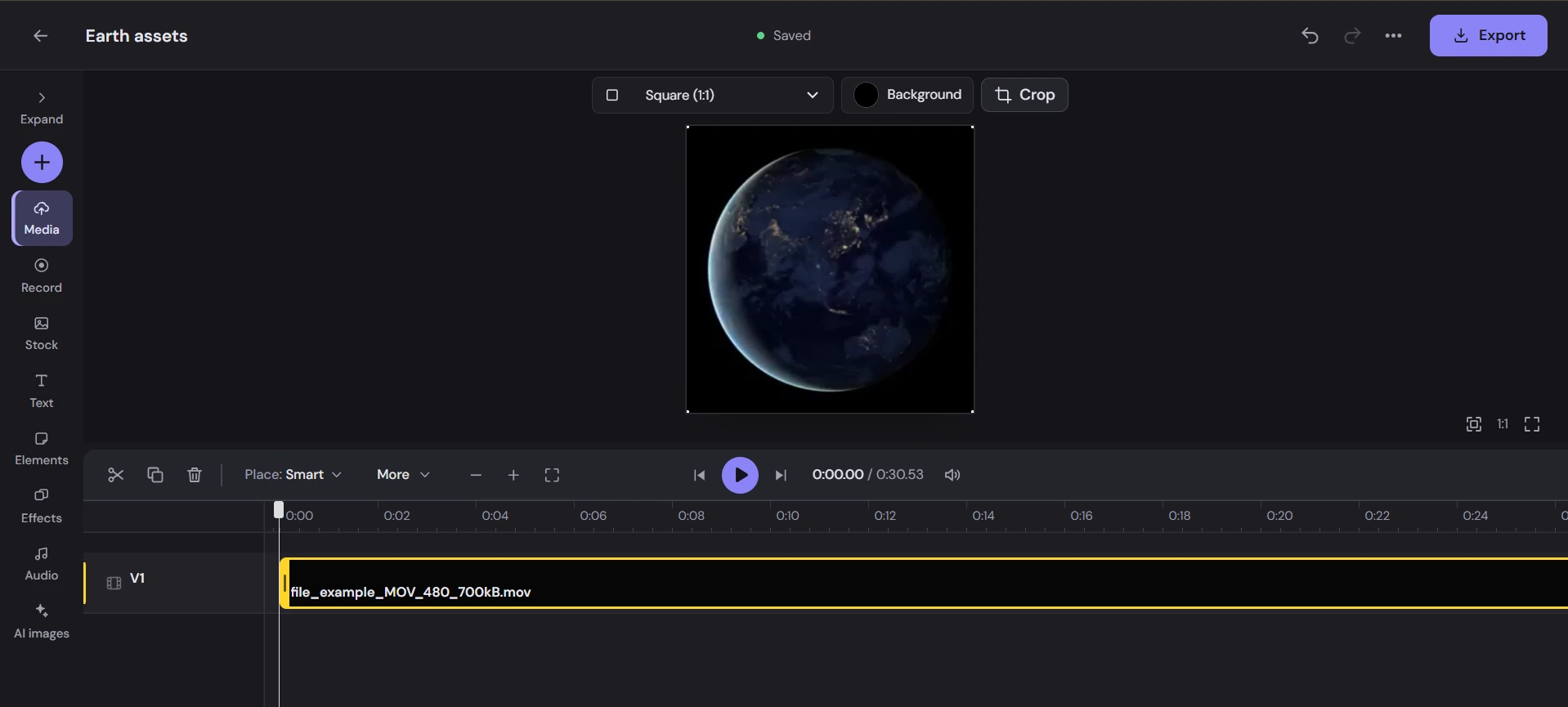
Built-in video editor
Create, edit, and bring your videos to life without leaving PostEsy. Everything you need to turn raw footage into content worth sharing.
Platform support
Every platform has its own rules. PostEsy checks them before your post goes out, so nothing fails halfway.
| Supports | X | @Threads | YouTube | Bluesky | Telegram | Tumblr | Mastodon | Slack | TikTok | ||||
|---|---|---|---|---|---|---|---|---|---|---|---|---|---|
| Text-only posts | — | — | — | — | |||||||||
| Images | — | ||||||||||||
| Video | |||||||||||||
| Media per post | 20 | 1 | 4 | 1 | 1 | 1 | 4 | 5 | 10 | 10 | 4 | 10 | 35 |
| Max image size | 10 MB | 10 MB | 5 MB | 8 MB | 8 MB | — | 1 MB | 20 MB | 10 MB | 10 MB | 16 MB | 1 GB | 20 MB |
| Max video size | 5 GB | 1 GB | 512 MB | 300 MB | 1 GB | 256 GB | 300 MB | 2 GB | 50 MB | 500 MB | 99 MB | 1 GB | 4 GB |
JPEG and MP4 are safe wherever images or video are supported. YouTube posts also need a title, and Pinterest needs a board. Sizes are what each platform accepts from scheduling apps, which can be less than its own app allows; Mastodon servers can set their own.
Pricing
Everything you need to create, manage, and grow your content. Choose the plan that works for you.
Twitter/X, WhatsApp and optional AI Video allowances reset every month, on monthly and yearly billing. Unlimited posts on other platforms. Cancel anytime.
Link your WhatsApp number from the Connect page in PostEsy. Then send up to 10 photos or videos to the PostEsy WhatsApp number, add a caption, choose which of your connected accounts to post to, and post right away or schedule it for later. It works with Instagram, Facebook, LinkedIn, X, Threads, Bluesky, Telegram, Tumblr and Mastodon. Posts to YouTube, Pinterest and TikTok are made from the web app.
Anyone in your workspace who can publish posts — everyone except members with the viewer role. Each person links their own WhatsApp number.
Yes. You can switch to any other plan from your account settings. Upgrades and downgrades take effect at your next renewal, so you keep your current plan until the period you've paid for ends.
Your plan keeps working until the end of the billing period you've already paid for. After that, your subscription ends.
Yes. Twitter/X posts and WhatsApp posts reset every month, whether you're billed monthly or yearly.
You're charged the yearly total once a year. With Yearly selected, the prices above show what that works out to per month.
For AI text and image generation in the composer, you connect your own Gemini or ChatGPT key.
No. Every PostEsy plan is a paid subscription, billed monthly or yearly.
Questions, feedback or need help? Send us a message and we'll get back to you by email.
Connect your accounts, create once, and get your time back.